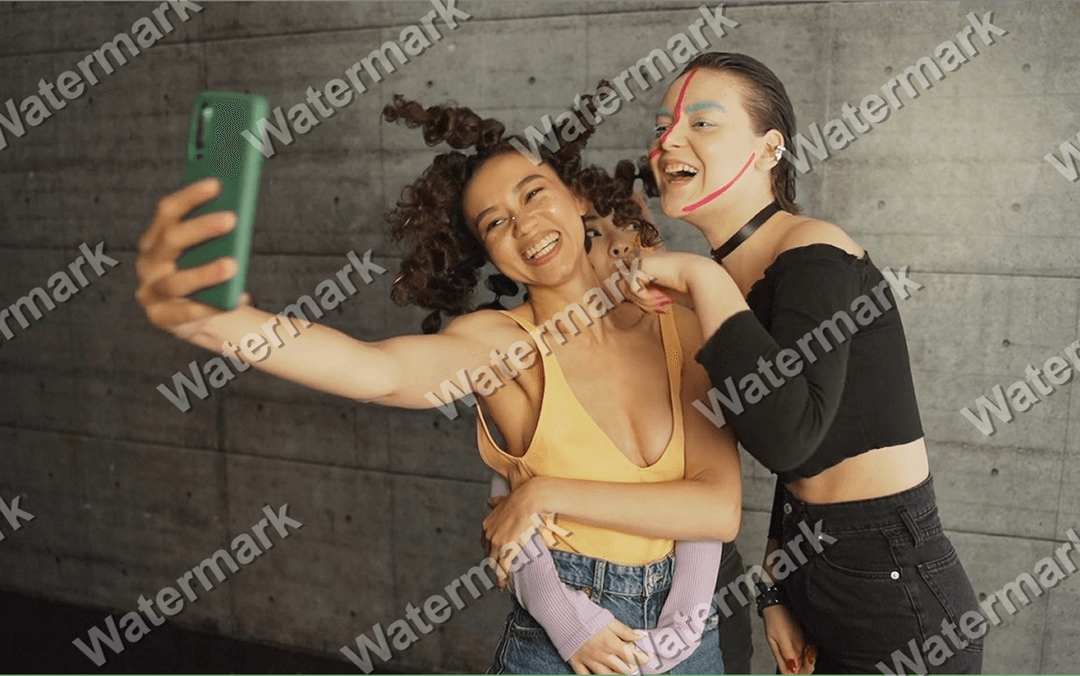
Add Watermark to Video & Image
Online, Free, Fast, and Browser-Based
Upload an image or video, type text or upload a logo watermark, choose a static or animated preset, and export your final file in just a few steps.
Your files stay in your browser during editing and are not uploaded to a server.
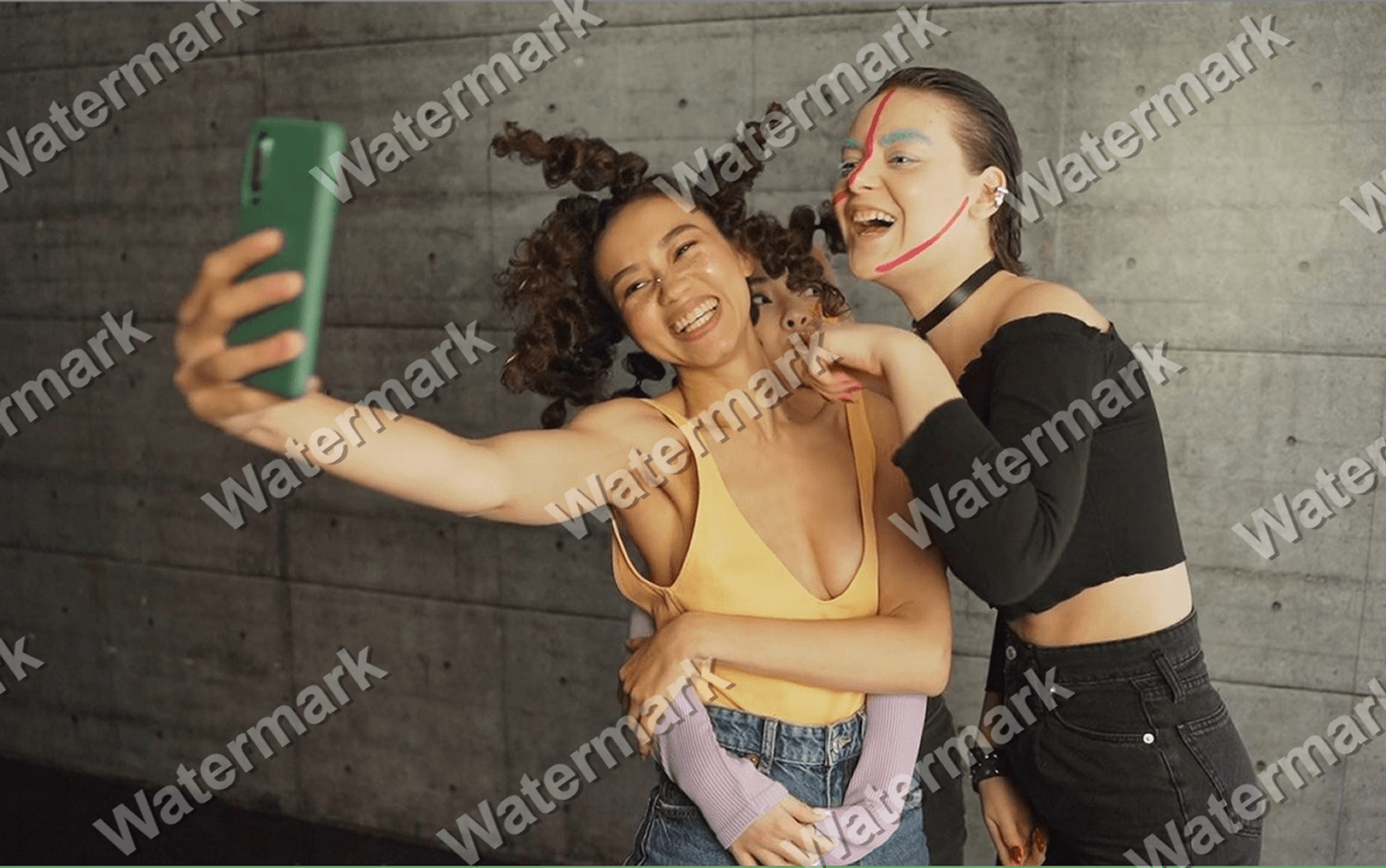
100% Secure & Private
Your Medias Never Leave Your PC
Unlike cloud-based tools, Mixilab Add Watermark tool processes all videos or images directly in your browser. Your files are never uploaded, stored, or shared.
Easily edit your videos and photos in your browser—no software downloads or installations required.
How it works
Step 1
Upload your video or image
Step 2
Type text or upload a picture as watermark
Step 3
Choose a watermark preset
Step 4
Export and save result
Features
Text or logo watermark
Static or animated watermark presets
Image and video processing
Private local processing
Flexible watermark settings
Perfect For
Use one browser-based tool to brand, protect, and personalize both image and video content.
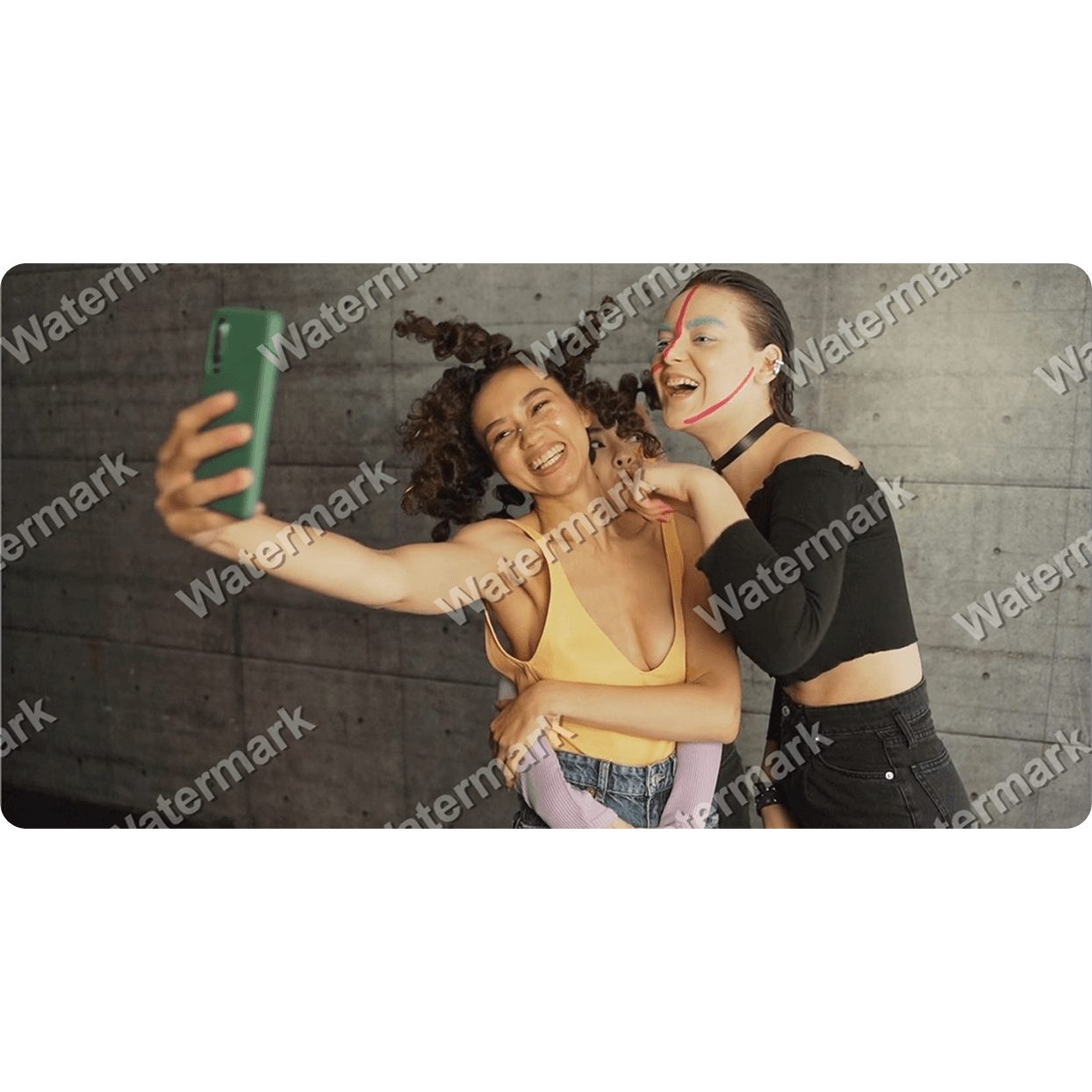
Copyright Protection
Add a personal watermark, logo, or tag to prevent intellectual property theft and protect all your digital media assets from being reused elsewhere.
E-commerce Listings
Add your logo to product photos used on Amazon, Etsy, eBay, Shopify, or other marketplaces. Branded listings look more professional and help customers recognize your store.
Branding social media videos
Add a visible text or logo watermark to TikTok clips, Instagram Reels, YouTube Shorts, and Facebook videos so your brand stays attached when content gets reposted or shared.
Securing Real Estate Listings
Keep your property photos safe from being scraped or used by other agents without your permission. Add agency logos and contact information to property photos and promotional videos. Consistent branding helps build trust and keeps your business visible across listing platforms and social media.
Advanced Anti-Removal Security
Protect your digital assets from automated scrapers and AI-based removal tools with sophisticated, hard-to-erase watermarking techniques. By utilizing dynamic or animated watermarks, you create a significant barrier against standard editing software. This ensures your brand identity remains intact, even when faced with modern content-editing challenges.
The Add Watermark Advantage
Efficiency, security, and professional branding in one powerful tool.
Total Creative Control
Customize fonts, styles, and effects to match your brand. Save your favorite settings to maintain a perfectly consistent look across all your content.
Branding Flexibility
From subtle text to bold animated logos—you have complete control. Adjust opacity, positioning, and animation styles to ensure your branding looks professional and non-intrusive.
All-in-One Content Studio
Trim, rotate, resize, and brand without leaving the app. Adjust orientation, resize aspect ratios, and trim unwanted sections directly in our editor.
Next-Gen Anti-Removal Security
Protect your work against AI-removal. Our dynamic and animated watermarking techniques make it harder for scrapers to strip your brand, keeping your intellectual property safe.
Professional Grade, Zero Learning Curve
You don’t need to be an expert editor. Our intuitive interface is designed for creators who need professional results immediately, without the complexity of traditional editing software.
Optimized for Every Platform
Whether you're uploading to TikTok, Instagram, or a professional catalog, we ensure your output meets the exact specs of the platform to keep your brand consistent.
Have a question?
Start Watermarking Now
No sign-ups. No uploads. No waiting.
It is safe. Your file is processed locally in the browser and is not uploaded to any server.